Wedding HQ · The Notion Companion Workspace to Your Personal Wedding Planning Assistant
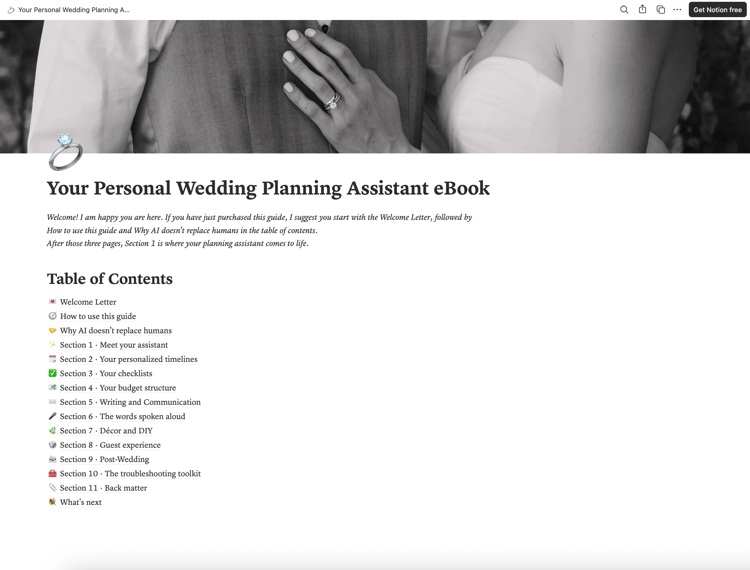
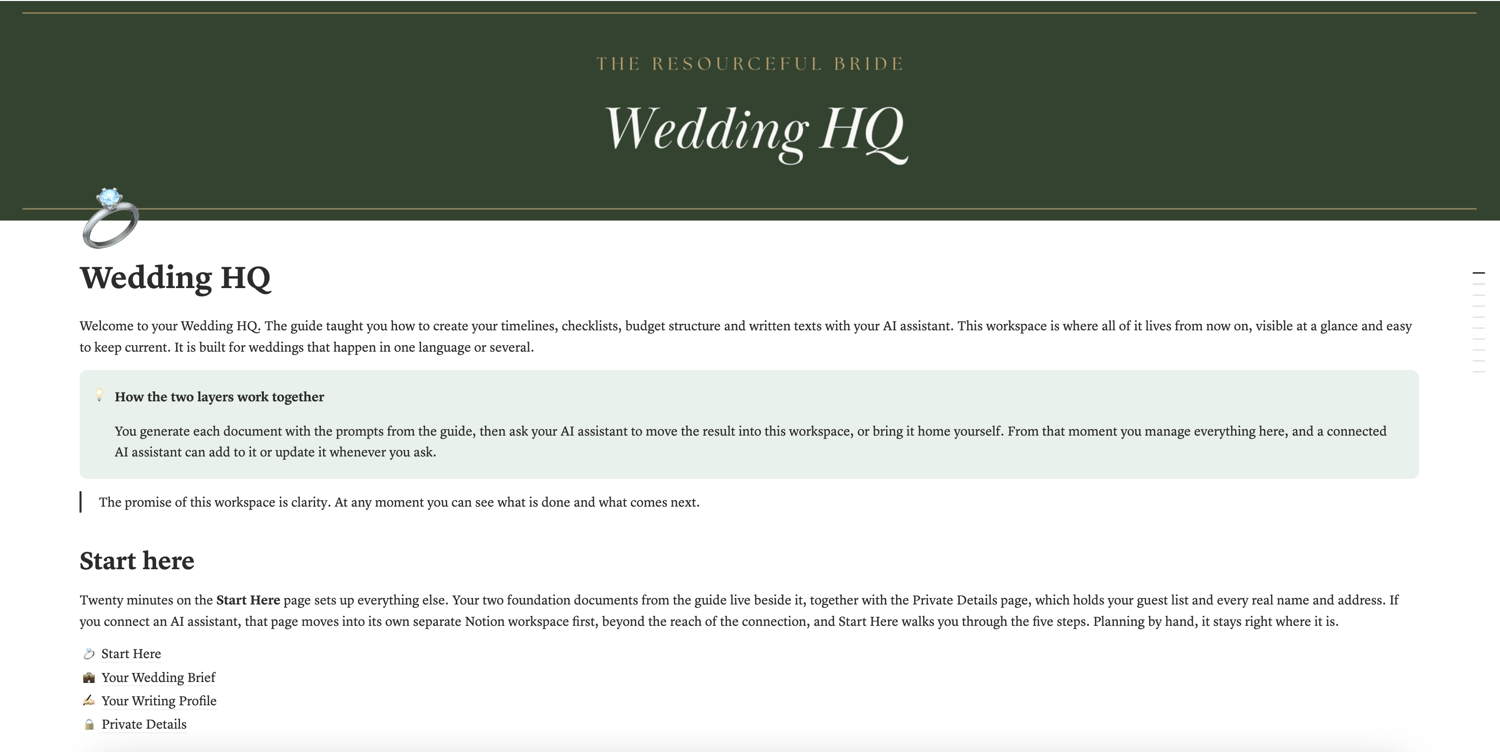
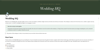
Wedding HQ is the Notion companion workspace to Your Personal Wedding Planning Assistant, the ebook available in this shop. The ebook teaches you to plan your wedding with an AI assistant at your side. This workspace is where everything you create together lives afterwards, visible at a glance and easy to keep current. Built for weddings that happen in one language or several.
Connect your AI assistant to Notion and it files finished timelines, checklists, budget structures and written texts straight into the workspace, then updates them whenever you ask.
WHAT'S INSIDE
✦ Start Here: a 20-minute setup that arranges everything else, with a connected AI assistant or entirely by hand
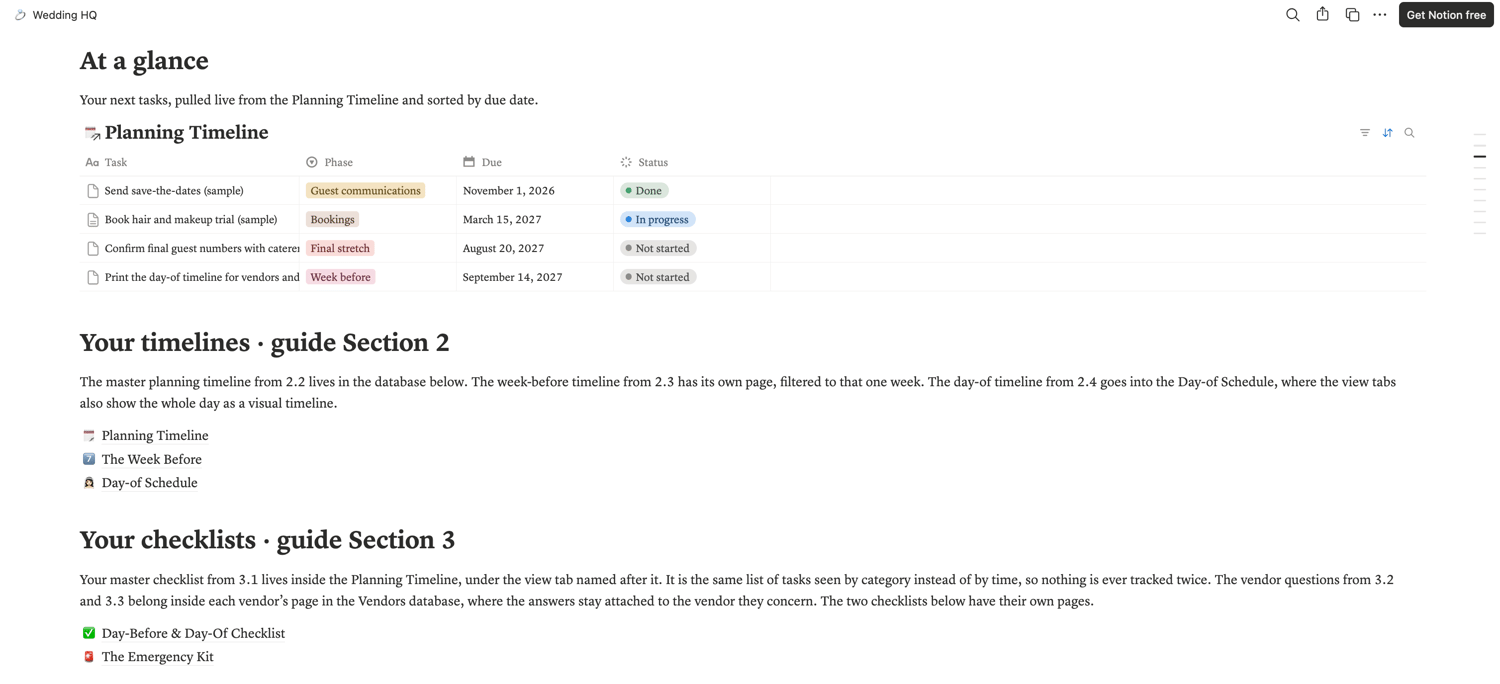
✦ At a glance: your next tasks, pulled live from your timeline and sorted by due date
✦ Planning Timeline: your master timeline and your master checklist as two views of the same tasks, so nothing is ever tracked twice
✦ The Week Before page and a minute-by-minute Day-of Schedule with a visual timeline view
✦ Day-Before & Day-Of Checklist plus an Emergency Kit page
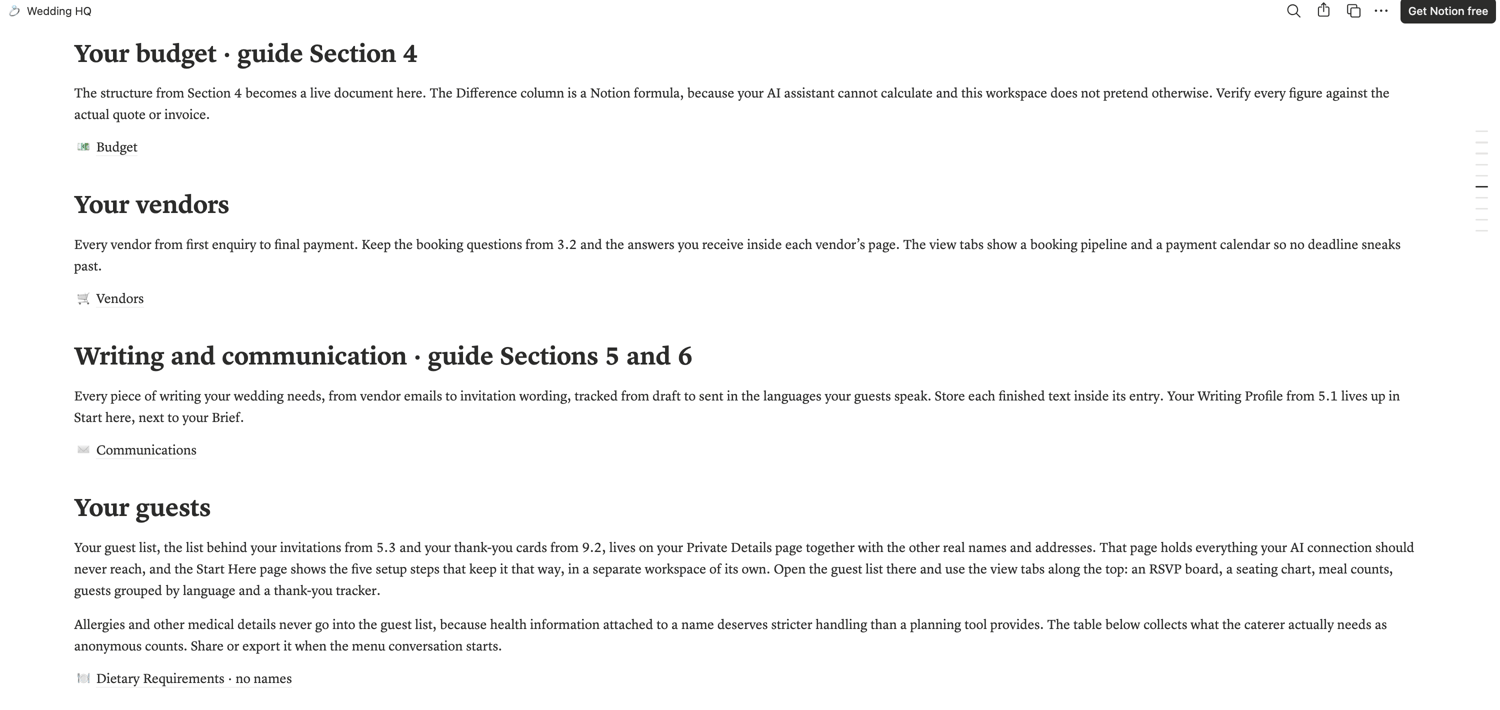
✦ Budget with planned and actual amounts. The Difference column is a Notion formula, because an AI assistant cannot calculate, and this workspace does not pretend otherwise. You verify every figure against the actual quote or invoice.
✦ Vendors: a booking pipeline and a payment calendar, so no deadline sneaks past
✦ Communications: every text your wedding needs, from vendor emails to vows, tracked from draft to sent in the languages your guests speak
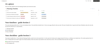
✦ Guest list with an RSVP board, a seating chart, meal counts, language groups and a thank-you tracker
✦ Dietary requirements collected as anonymous counts, ready to share with your caterer
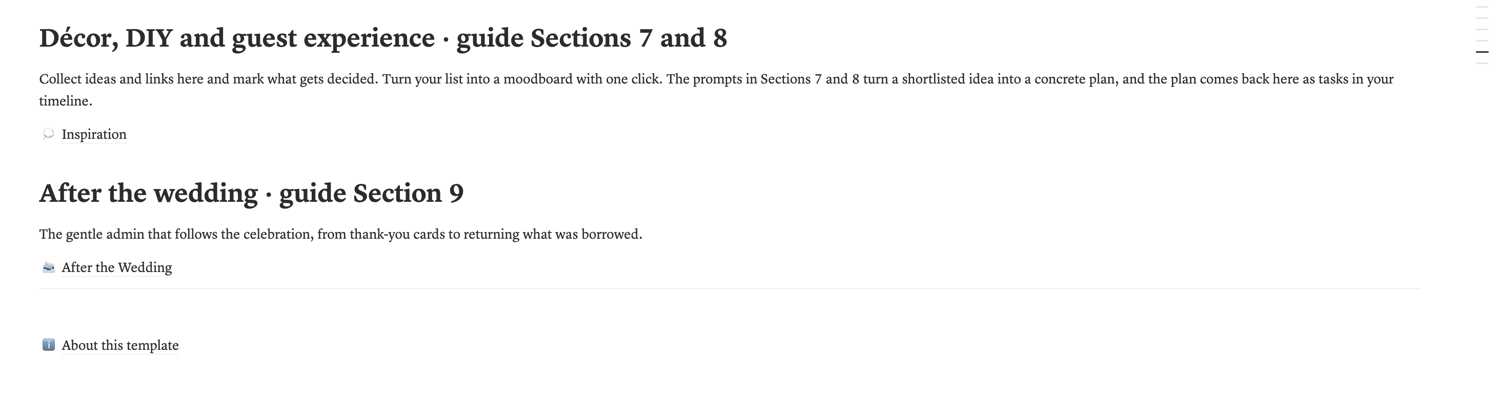
✦ Inspiration collection and an After the Wedding page for the gentle admin that follows the celebration
PRIVATE BY DESIGN
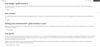
Your guest list and every real name live on one Private Details page. The moment you want to connect an AI assistant, five clear steps move this page into its own separate Notion workspace, beyond the reach of the connection. Your people and their data stays out of reach of an AI, and your AI assistant still helps with everything else. Health details are never attached to names anywhere in the workspace.
START WITH THE GUIDE
If you are meeting this system for the first time, start with Your Personal Wedding Planning Assistant in this shop. It teaches the method this workspace is built around, and this workspace assumes you are using it.
HOW IT WORKS
1. Purchase, then download the one-page PDF
2. Open the link inside and click Duplicate
3. The whole workspace appears in your own Notion account
4. Open the Start Here page; setup takes about 20 minutes.
WHAT YOU NEED
A free Notion account at notion.com. The workspace itself runs on free Notion, on your computer and on your phone. The connected workflow, where your AI assistant files finished results straight into the workspace, needs an AI plan that includes the Notion connector. Everything else in Wedding HQ works without it, as a complete manual planning workspace.
GOOD TO KNOW
✦ Instant digital download. No physical item will be shipped.
✦ Free updates for life: the link in your PDF always opens the newest version.
✦ Questions after buying? Send a message and a real person will answer, in English, French or German.
✦ For personal use only. Please do not resell or redistribute.
✦ As a digital product, all sales are final. If anything is unclear, message the shop first. Nearly everything can be solved.
Made with care by The Resourceful Bride.